build my AI team Buy now
How it works

You know how your business runs, but your AI doesn’t. Yet.

Your kit guides you through building an AI team around your business, using work you need help with. As you build, you learn what to ask, how to check the result and how to make the next attempt better.

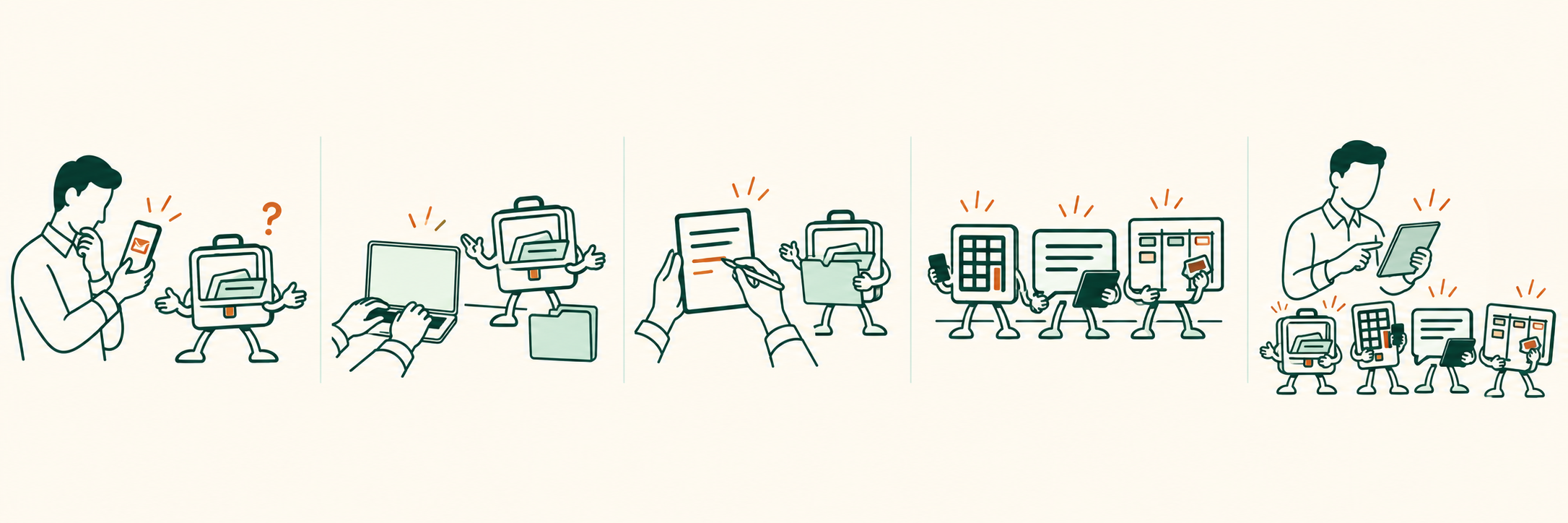
Before the kit“Let me explain that again.”

You use AI to research a question, rewrite an email or try an idea. You can see the potential, but may be unsure what else to do or how to get a consistent result.

What you’re building towards“That’s how we do it here.”

Your team works from your business information, roles and agreed processes. The kit gives you opportunities to practise briefing it, checking its work and improving the instructions, then choosing where it could help next.

Download your kit today, starting from £495.

Your AI team takes shape around your business.

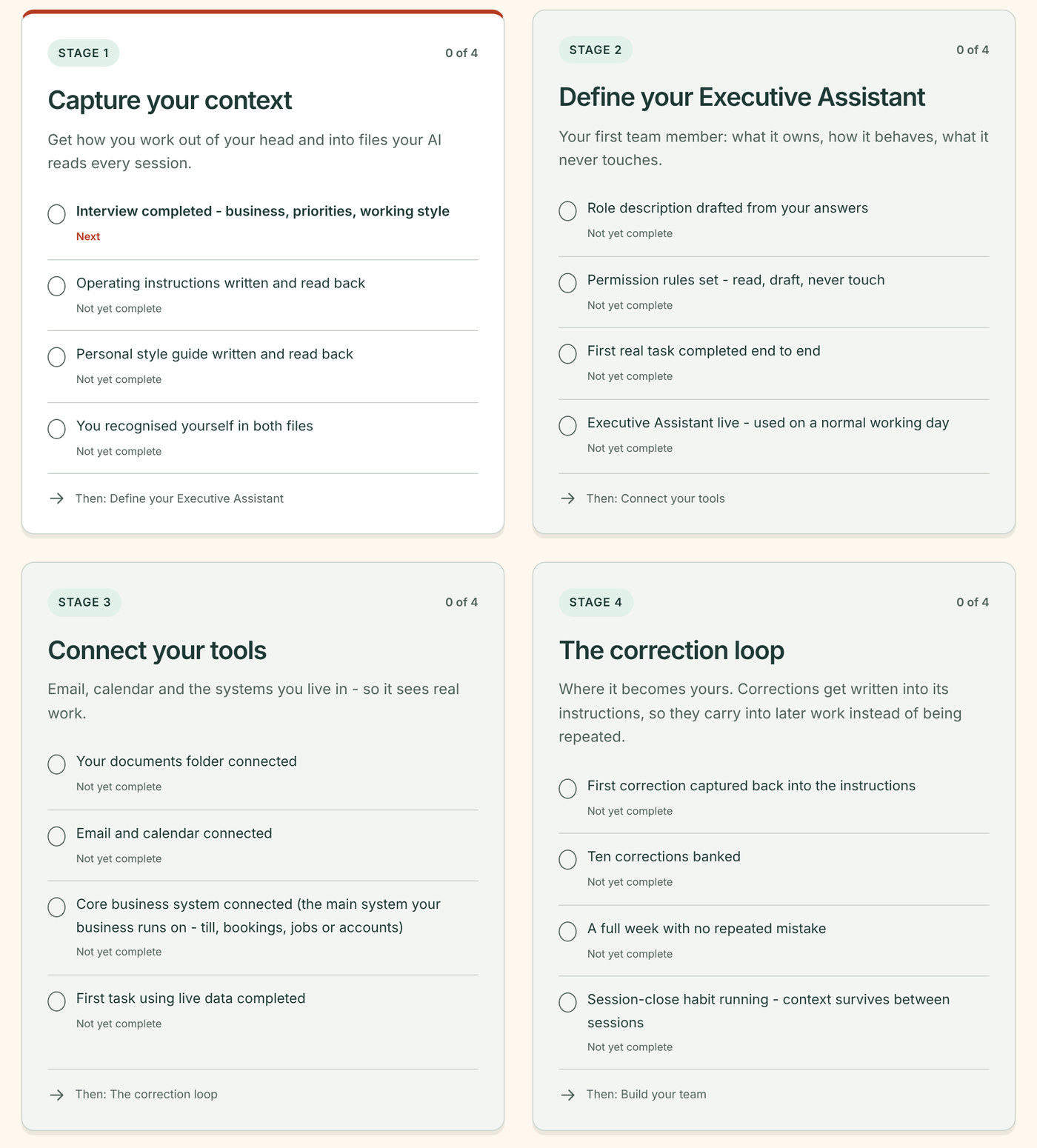
The owner shares business information, checks a first task, saves corrections, builds specialist roles and directs the team.

See what you have built. Your AI updates your Progress Dashboard as milestones are confirmed, showing your build, your live roles and the steps you have taken towards running the team yourself.

A team with jobs to do

These jobs show the roles working together.

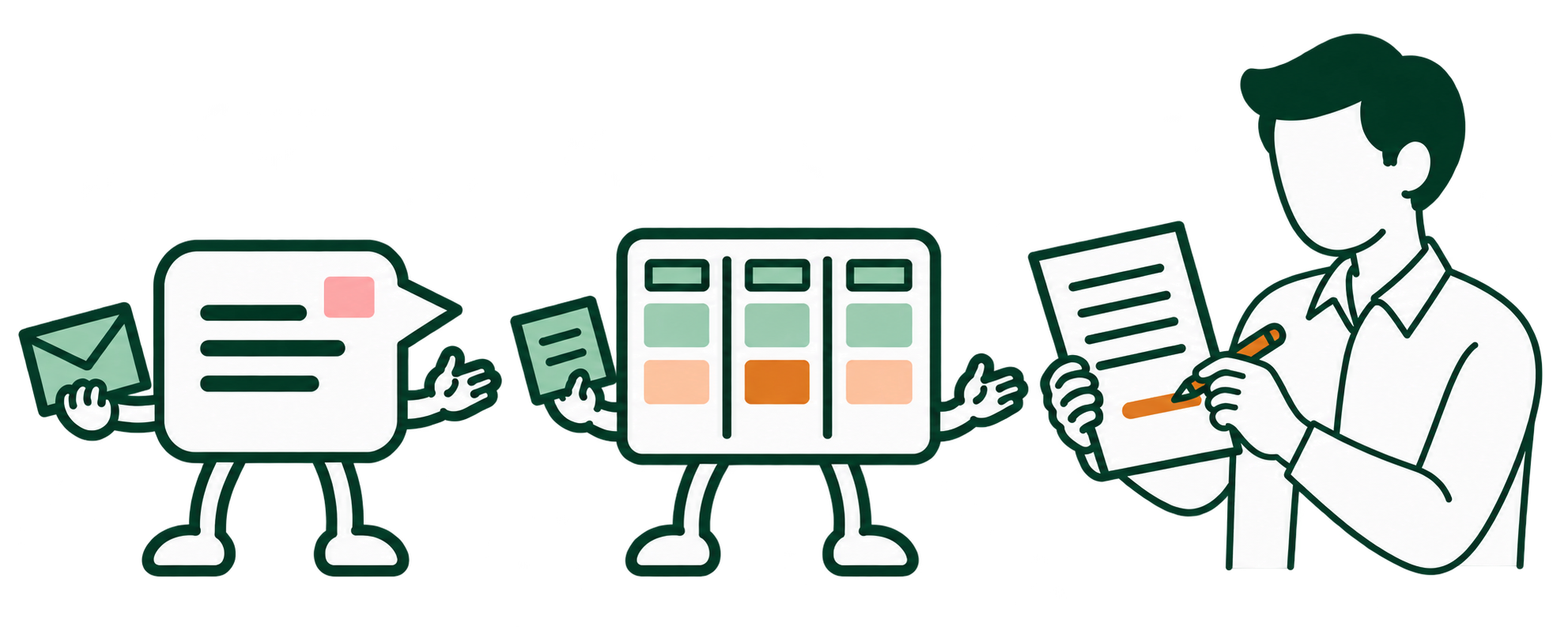
The owner checks a quote with a pencil while Customer Service holds the customer’s message and Operations & Admin supplies the details.

Your enquiry becomes a quote.

After the site visit, your notes, scope and checked prices give the team what it needs for a draft quote.

  1. You provide the enquiry and the details you have.
  2. Customer Service drafts the questions for your reply.
  3. Operations & Admin prepares a quote from your notes, scope and checked prices.
  4. You check quantities, prices and missing details, then send the quote.

AI team used: Customer Service and Operations & Admin

The owner checks a proposal with a stylus while Operations & Admin, Finance and the Executive Assistant prepare the details.

Your notes become a proposal.

  1. You provide discovery notes, your template and the agreed scope.
  2. Operations & Admin drafts deliverables and timings.
  3. Finance prepares cost calculations from your figures.
  4. Your Executive Assistant gathers the remaining questions.
  5. You check the scope, fee and promises, then send the proposal.

AI team used: Operations & Admin, Finance and Executive Assistant

Everything you and your AI team build stays in your own folder and runs in your own Claude account, so it’s yours to keep.

These businesses face familiar problems.

We use five fictional businesses to show how an AI team handles real-world problems. Each is included in every kit, with business information, instructions and completed work you can explore.

The Corner Roastery

This 28-seat café in Altrincham needs busier weekday mid-mornings and better bean sales.

Tarnbeck Electrical

This five-person electrical firm is in Stockport. Quotes, promised dates and payment chasing all depend on the owner.

Fern Marketing

This solo marketer works in Sale. Client work crowds out proposals and finding the next retainer.

Jess Hartley PT

This trainer works alone in Clapham. Some classes have spaces while the waiting list grows.

Elvet AI

This one-person AI set-up business in Durham runs alongside a day job. One client already fills Friday.

You’ll need Claude and your kit.

  • You use the Claude desktop app on a compatible computer.
  • Build in short sittings, starting with your Executive Assistant and one useful job.
  • Setup takes about an hour, fully guided, and a little longer on Windows.
  • Save your progress and return to it. Add specialists as you find work for them.

Your Executive Assistant guides the build, with the setup guide, checklists and worked examples in your kit and our free films alongside. If you add two sessions with Adam, he advises and coaches you as you go. If you get stuck, email [email protected].

Download your kit today,
starting from £495.

Compare the packages