




Add capacity now
- Demand
- Is the demand sustained?
- Bottleneck
- Would extra capacity address it?
- Cash commitment
- Figure still needed
Test the case for added capacity.
More capacity for your business
Your Executive Assistant interviews you about your business. Your answers shape its instructions, and every task you give it is practice in briefing, checking and improving the work.
Whether you have used AI for years or never, the kit starts from where you are. Already using AI? See how the kit builds on it.
The Kit
+ The Complete Team
The Kit has seven roles; The Complete Team has eleven.
The finished work helps you now. What you learn while building it stays with you.

You teach it about your business.
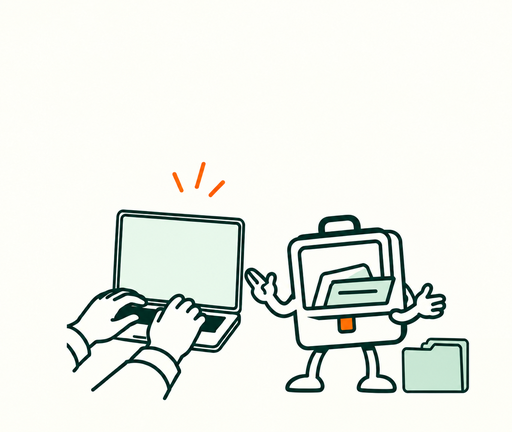
You give it something useful to do.

You practise checking and improving the work.
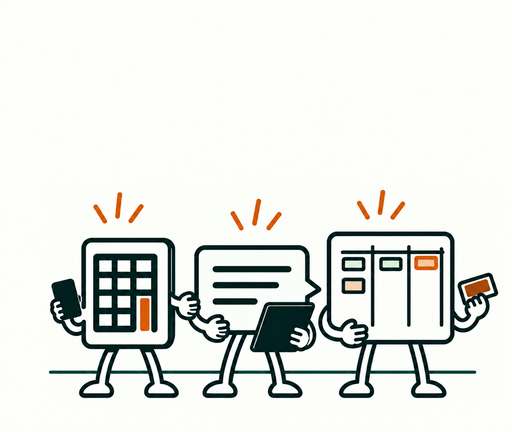
You choose where to add help next.

You practise briefing the roles, coordinating their work and deciding what happens next.
Build towards AI being part of how your business runs.
Claude supplies the capable technology your team runs on.
Your kit explains what AI is, how to use it and where it could help.
You practise operating roles, coordinating work and checking what comes back.
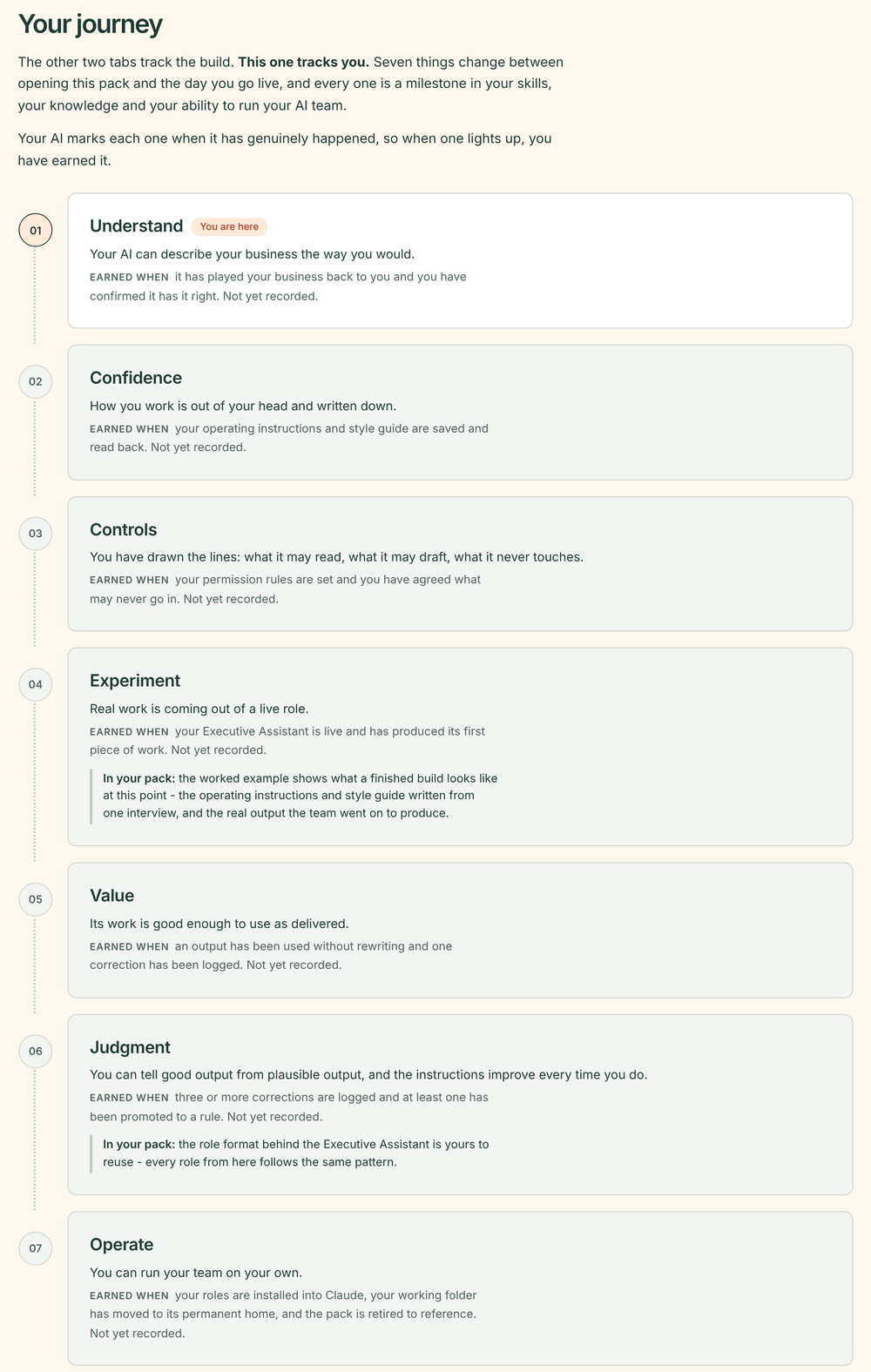
Your AI updates it as you build and marks each milestone only when it has happened.
See an example dashboardYou do the building, and everything you make is yours to keep.
Start here
Think of an AI assistant as a capable new starter. It needs to learn about your business, your customers and how you like things done, so you start with one useful job and check its work.
As it learns, you can give it more: working through emails, preparing for meetings, tracking actions, organising your day and drafting in your voice. You stay in charge of what gets sent and what is decided.
Illustrative examples
Your Executive Assistant helps with the day-to-day. When a job needs more depth, you add a specialist: Finance for quotes, Customer Service for replies and Marketing for campaigns and content.
Illustrative examples
Choose an example to see what you give the team, what it prepares and what you decide.
Your meeting notes, services and pricing.
A draft proposal with open questions.
It summarises the client’s request.
It outlines the proposed work.
It flags missing information.
Your meeting notes, correspondence and commitments.
A sourced brief with open commitments and questions.
A clearer handover before the busy period.
From: previous meeting notesWho owns the next step, and by what date?
From: open commitmentsIt gathers the recent correspondence.
It flags changes for the next conversation.Your goals, figures, constraints and options.
A comparison of the evidence and gaps.
A method you can put to work.
Setup guides
Role instructions
Editable working files
Worked examples
Progress dashboard
You carry out this guided build yourself. The aim is useful progress in your business and the ability to keep going, not simply more AI tools.
What you’re buying
To get the most from AI, you need a good blend of capable technology, the knowledge of what it is and what’s possible, and the skills to operate it.
Claude supplies the technology. Your kit gives you the role templates, guides and five fictional worked builds to shape a team around your business.
The guides explain what AI is, how to use it and where it could help, including its limits and what to share with it. In The Complete Team, Your Plan works out what your Executive Assistant takes on first and which roles to add next, and sets your own three-month test of success.
That might mean operating one assistant, orchestrating several roles or improving how you organise your own work. For meeting notes, give your assistant the transcript, ask it to log the actions and prepare a message for agreement, then review it before it goes out.
Email, calendar and files, in one conversation
Connect supported services such as Gmail, Google Calendar, Google Drive and Dropbox, then ask for the work in plain English without opening each app.
Gmail · Google Calendar · Google Drive · Dropbox
Browse Claude’s connector directory ↗Service names identify compatible tools, not an affiliation or endorsement.
Connecting is optional and needs setup. Where a tool does not connect, your kit works from an export you give it instead.
Illustrative scenario
“Find the latest client emails and project notes, check the meeting time and prepare my briefing.”

The method behind my own AI team
I spent over two years learning AI and built an AI team of over 50 digital workers, then wrote it down for a business your size.
Adam McEnaney, creator of build my AI team
Meet the creator ↗Your next step
Choose a kit to build yourself, add two sessions with Adam for advice or have Adam design and build your team with you.
For owners starting their first AI team, it gives you seven roles, led by an Executive Assistant that keeps your priorities and promises in view, plus every guide and five worked builds.
£495 one-off ↗+ two sessions with Adam: £895 totalThe Complete TeamAll eleven roles, in the order your business needs them.For owners who want a team that keeps improving as the business grows, it adds Your Plan and four roles to everything in The Kit. They line up your next opportunities, hold your standard, keep your team current and show you what it is doing for you.
£995 one-off ↗+ two sessions with Adam: £1,395 totalWith Built with Adam, Adam designs an AI team around your business and builds it with you, from £2,950. It starts with a call.
Arrange a call →